海酷拼音 Haiku Pinyin
A modern Chinese input method for Haiku, Linux and macOS.
- Category
- Apps
- Type
- Input method
- Platform
- Haiku · Linux · macOS
- Live at
- GitHub Releases ↗
- What's new
- Release notes ↗
(Overview)
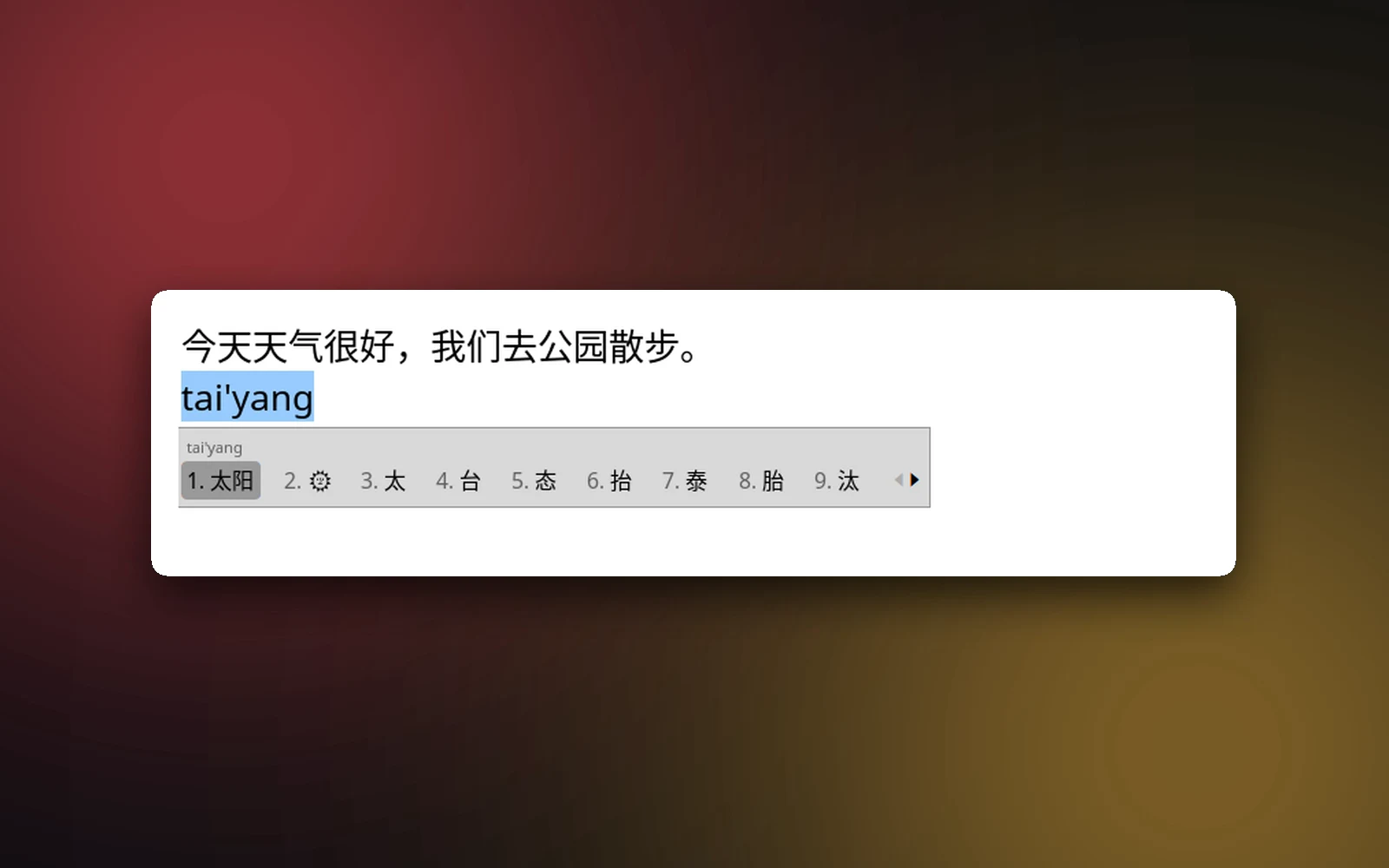
Haiku Pinyin brings Chinese typing up to what Sogou and the Mac have taught people to expect. Type a whole sentence in pinyin and it reads the whole thing, scoring words by the ones around them, including the word you typed before. Abbreviations work (zgr for 中国人), half-typed syllables work, and v turns numbers, sums and dates into Chinese (v123 for 一百二十三). It does full pinyin and five shuangpin layouts, simplified and traditional output, fuzzy pinyin for z/zh and an/ang, English words among the candidates, and emoji: type 太阳 and 🌞 is right there.
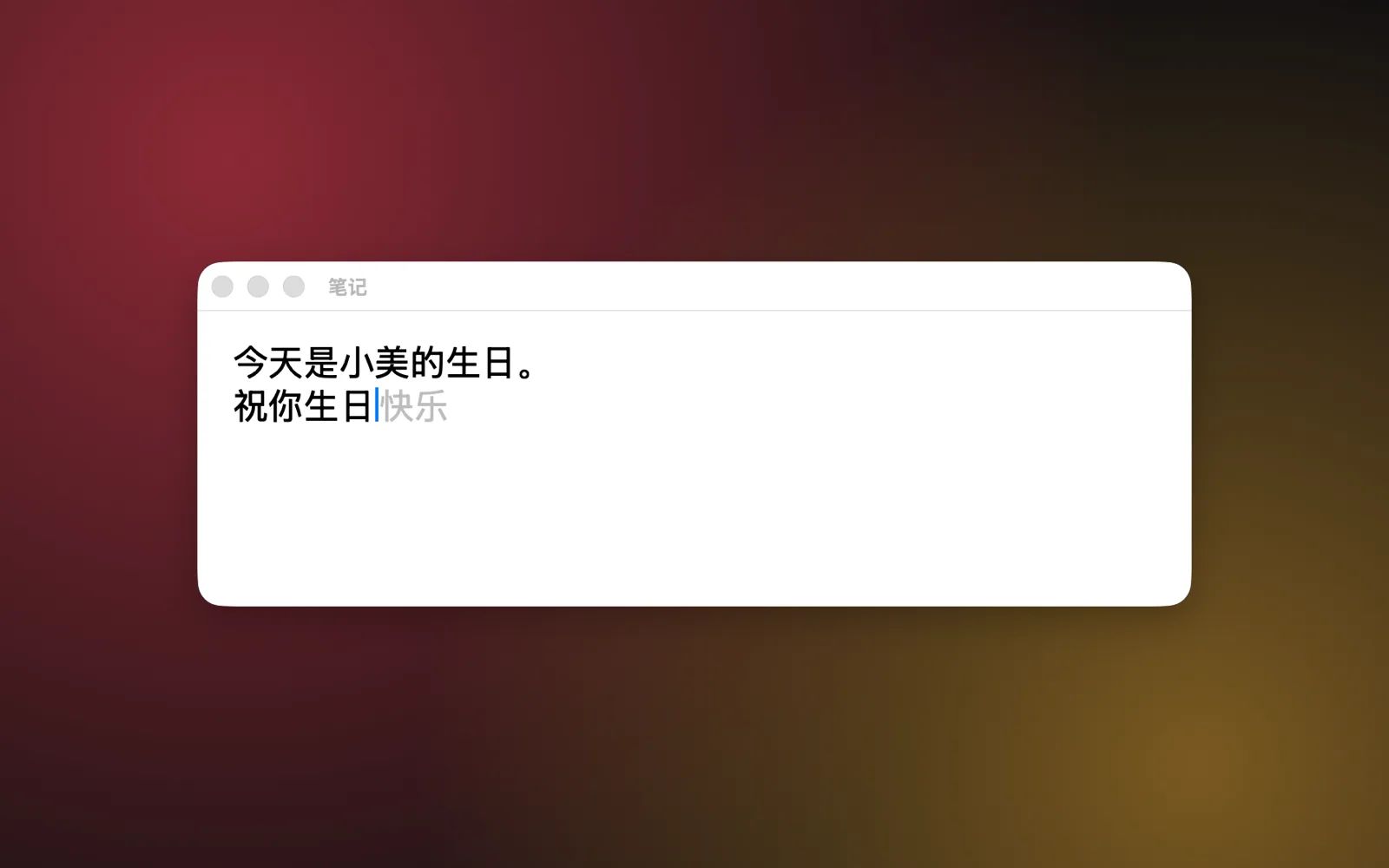
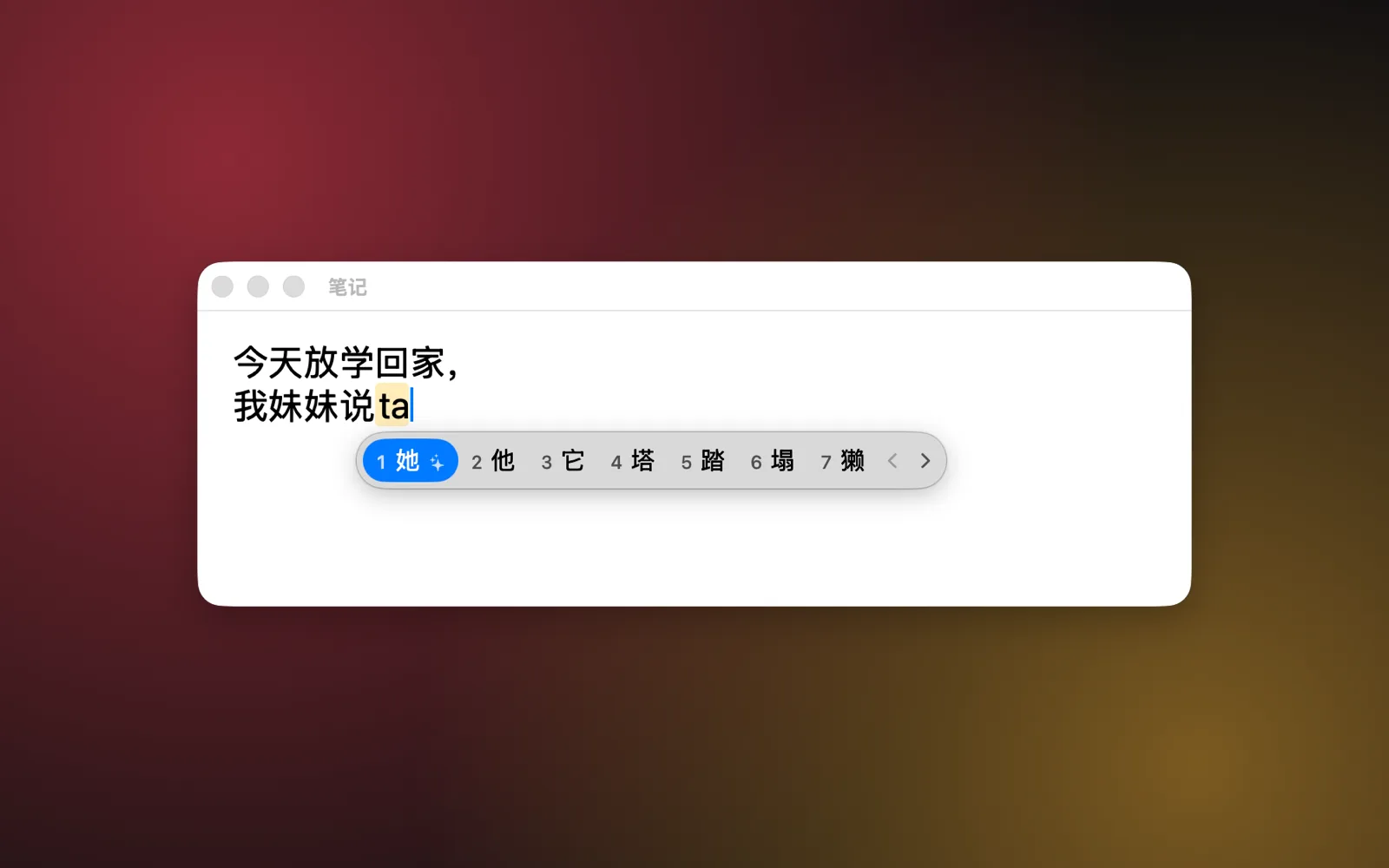
On a Mac with Apple silicon, a small language model joins in. It reads the text before the cursor, and when one candidate clearly fits best, it moves that one first: after 我妹妹说, ta gives 她 rather than 他. After you pick a word, it shows what likely comes next in gray after the cursor, so 祝你生日 offers 快乐, and Tab takes it. The model, Qwen3 in about 1.4 GB, downloads from the settings window and runs on the Mac itself. Nothing you type leaves it, and typing never waits for it.
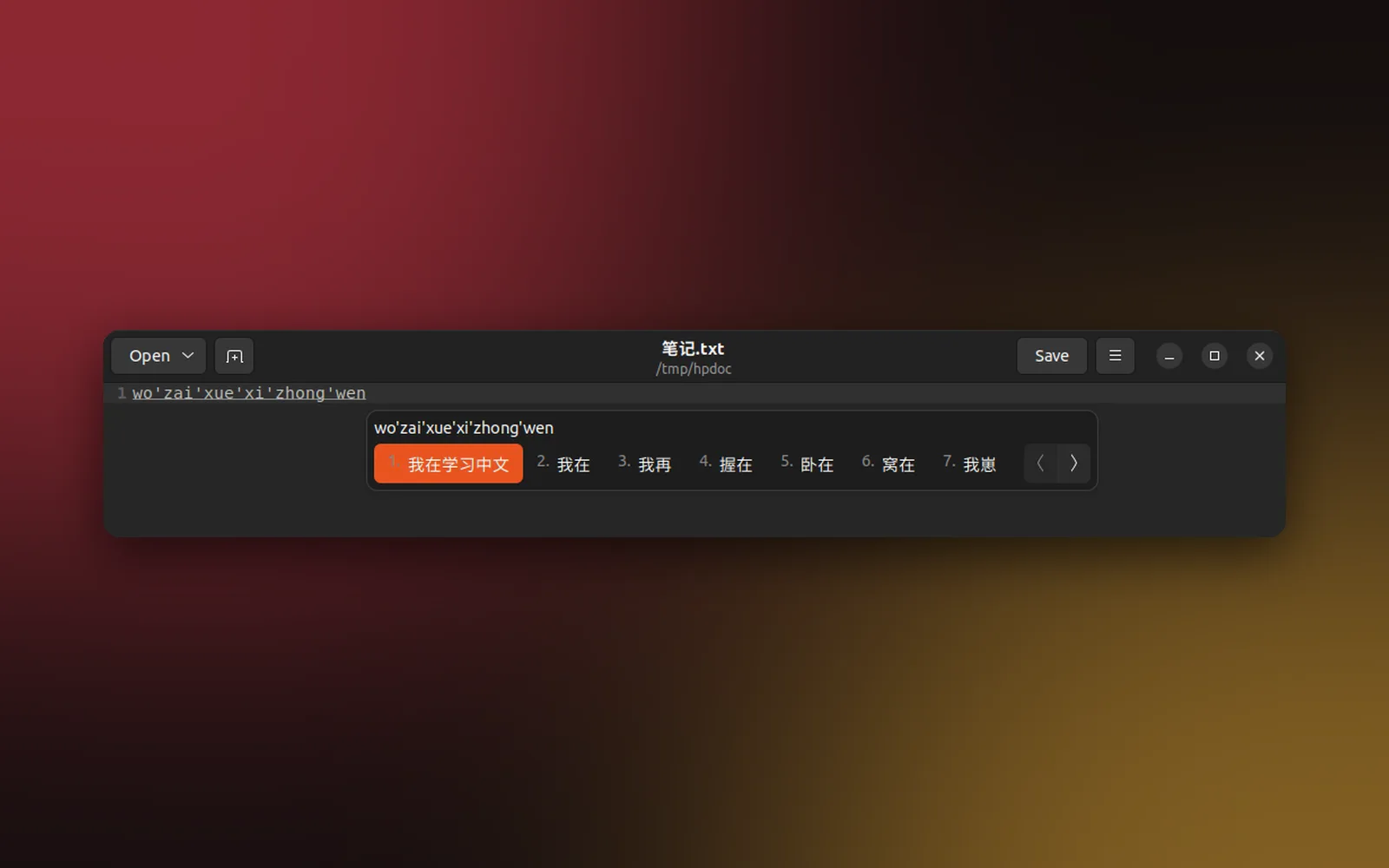
One engine in C++, built on 900,000 words from rime-ice and word pairs from libpinyin, learns what you pick and runs natively everywhere. On Haiku it's an input_server add-on, inline in StyledEdit, Terminal and Temino. On Linux it's an IBus engine for GNOME and anywhere else IBus runs, with packages for ARM64 and x86_64, tested on Ubuntu and an NVIDIA Jetson. On the Mac it's a signed and notarized input method that installs itself and keeps itself up to date. Cloud candidates are there if you want them, off by default. Haiku Pinyin is open source under the GPL.
(Highlights)
- 01Full pinyin and five shuangpin layouts
- 02Whole sentences, abbreviations, numbers and dates
- 03On-device AI picks and completions on the Mac
- 04Simplified, traditional, English and emoji
- 05Learns the words you pick
- 06Open source, GPL-3.0
Next project · Apps
Softbox Pro for iPad.
Turn your iPad into a studio light.