Temino
An ADHD-friendly, GPU-accelerated terminal for the AI age.
- Category
- Apps
- Type
- Terminal app
- Platform
- Haiku · Linux · macOS
- Live at
- GitHub Releases ↗
- What's new
- Release notes ↗
(Overview)
Temino is a terminal for Haiku, Linux and macOS that keeps track of your AI agents for you. Each tab's header names the agent at work (Claude, Codex, Cursor or Gemini) with its icon, how many messages are queued and whether it's busy. A tab's number pops when its agent finishes, and ⌘` jumps straight to the one that needs you. Idle panes show their last command, exit code, age and git changes, and tabs get recaps and marks so you can tell them apart at a glance. Split a tab and the sidebar shows it as a group, the tab's name over a row for each pane, so every agent in it is in view. Quit and come back to find things as you left them: Claude Code, Codex, Gemini and the other agents pick their conversations back up, and tmux, monitors, logs, ssh sessions and editors start again, all opt-in.
Agents can drive it too. The temino command and its built-in MCP server let a script or a coding agent like Claude Code open tabs and splits, run commands and read their output, press keys and send you a desktop notification, which also arrives on its own when an agent in a pane you can't see is waiting or done.
Remote Control puts it in your pocket. Scan the QR code in Settings with your iPhone or iPad and you can watch and type into any pane from anywhere, end-to-end encrypted, and your phone tells you when an agent waits on you or finishes. A new device only gets in once you allow it on the computer, and the computer shows whose phone is in which pane, with their photo.
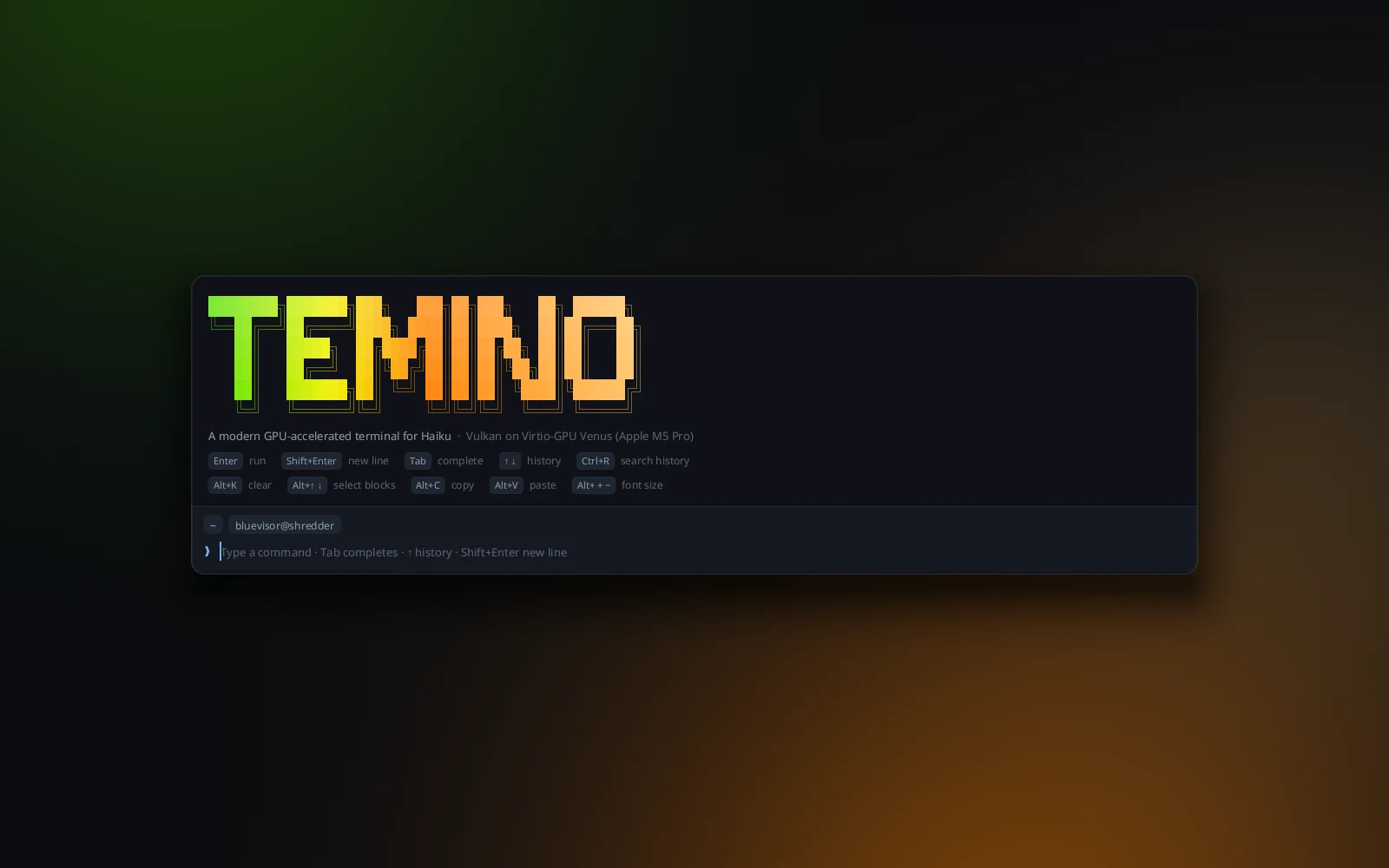
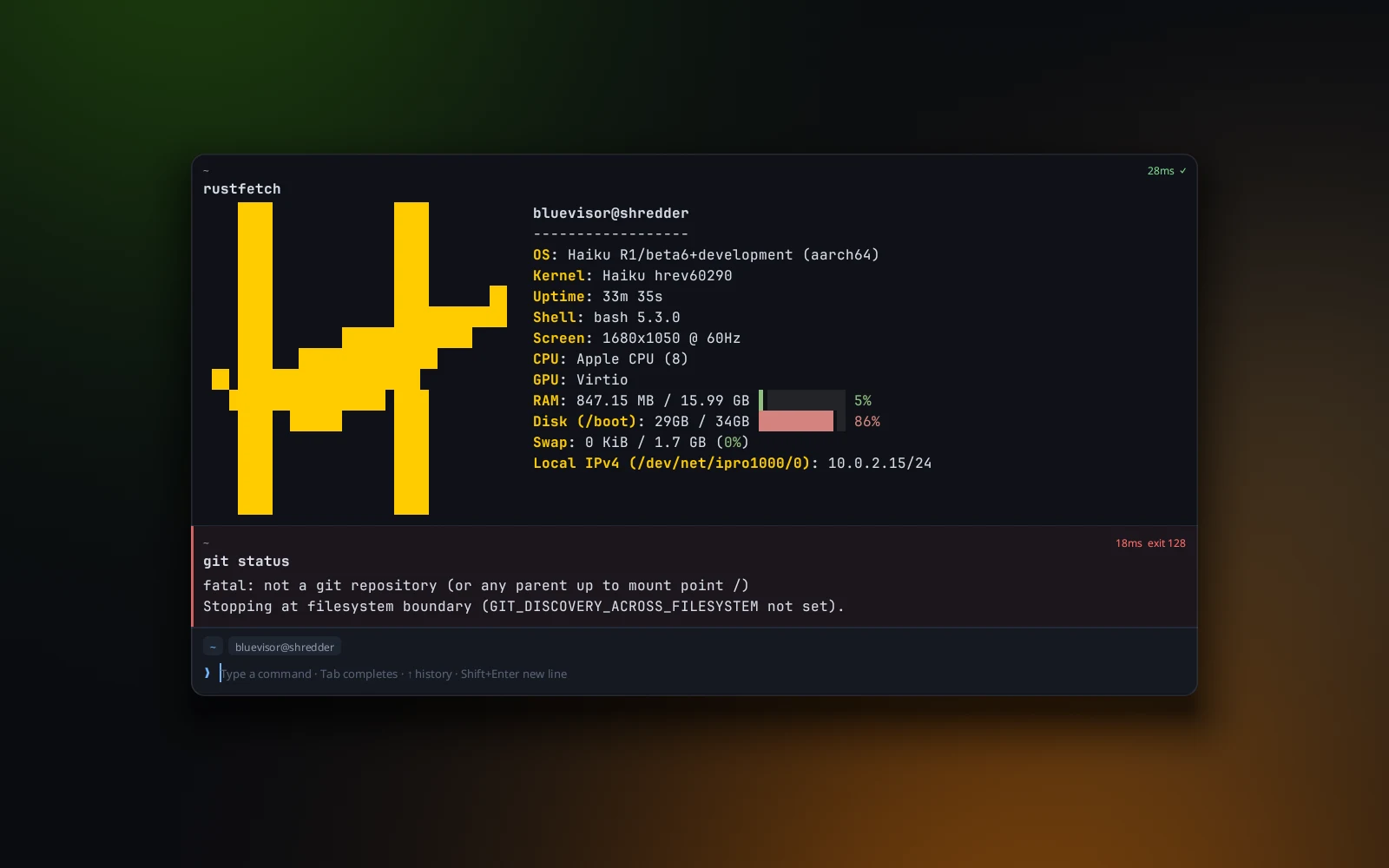
Underneath it works like Warp: every command and its output is a block you can select and copy, and commands are typed in a real editor with syntax colors, each pane's own history, autosuggestions that only offer files and folders that exist where you are, Tab completion and Ctrl+R search. Paste an image and it shows inline, or goes straight to Claude Code, and on macOS and Linux Temino can be your default terminal, so double-clicked scripts and ssh:// links open in a new tab. Tab on an empty line switches to AI mode: describe what you want in plain words and the command lands in the editor for you to check. Make it yours with a theme editor for colors of your own, one switch that turns every theme light or dark, any installed monospaced font, line spacing and cursor shape, each previewed as you point at it, and shortcuts you set by pressing the keys. It's GPU-accelerated everywhere, Vulkan on Haiku and Linux and Metal on macOS, and the Mac builds are signed and notarized by Apple.
(Highlights)
- 01Agent status in every tab, and a key to the one that needs you
- 02Relaunch and your agents pick their conversations back up
- 03Scripts and agents can drive it, with a CLI and an MCP server
- 04Control it from your iPhone or iPad, end-to-end encrypted
- 05Every command in its own block
- 06Paste images, and make it your default terminal
- 07A plain-words AI mode and a real command editor
- 08Your own themes, fonts, cursor and shortcuts
- 09Vulkan on Haiku and Linux, Metal on macOS
- 10Native builds that update themselves
Next project · Apps
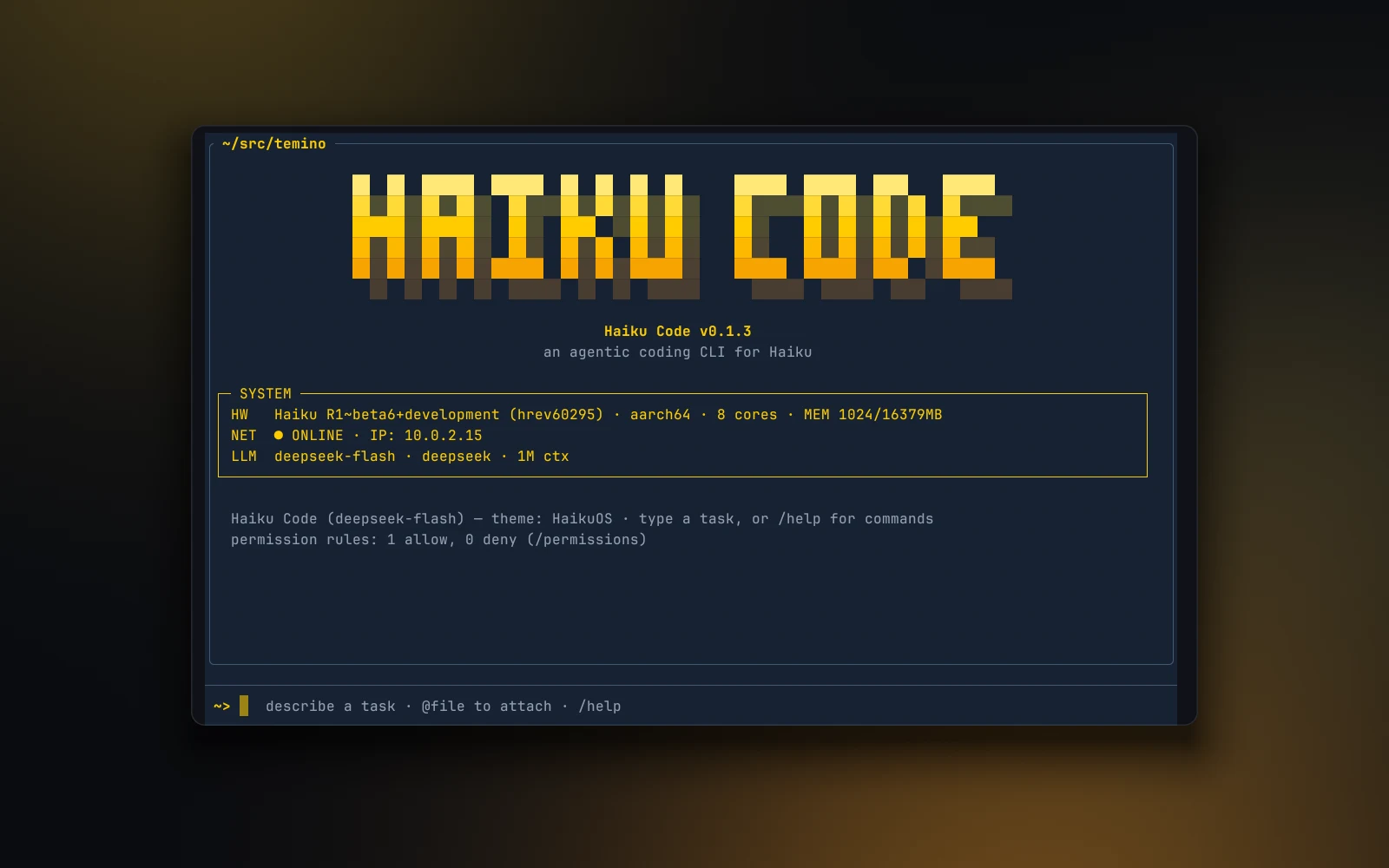
Haiku Code.
An agentic coding CLI for Haiku.