Saddle Island
A Dynamic Island for your MacBook's notch.
- Category
- Apps
- Type
- Mac app
- Platform
- macOS 26 or later
- Live at
- GitHub Releases ↗
- What's new
- Release notes ↗
(Overview)
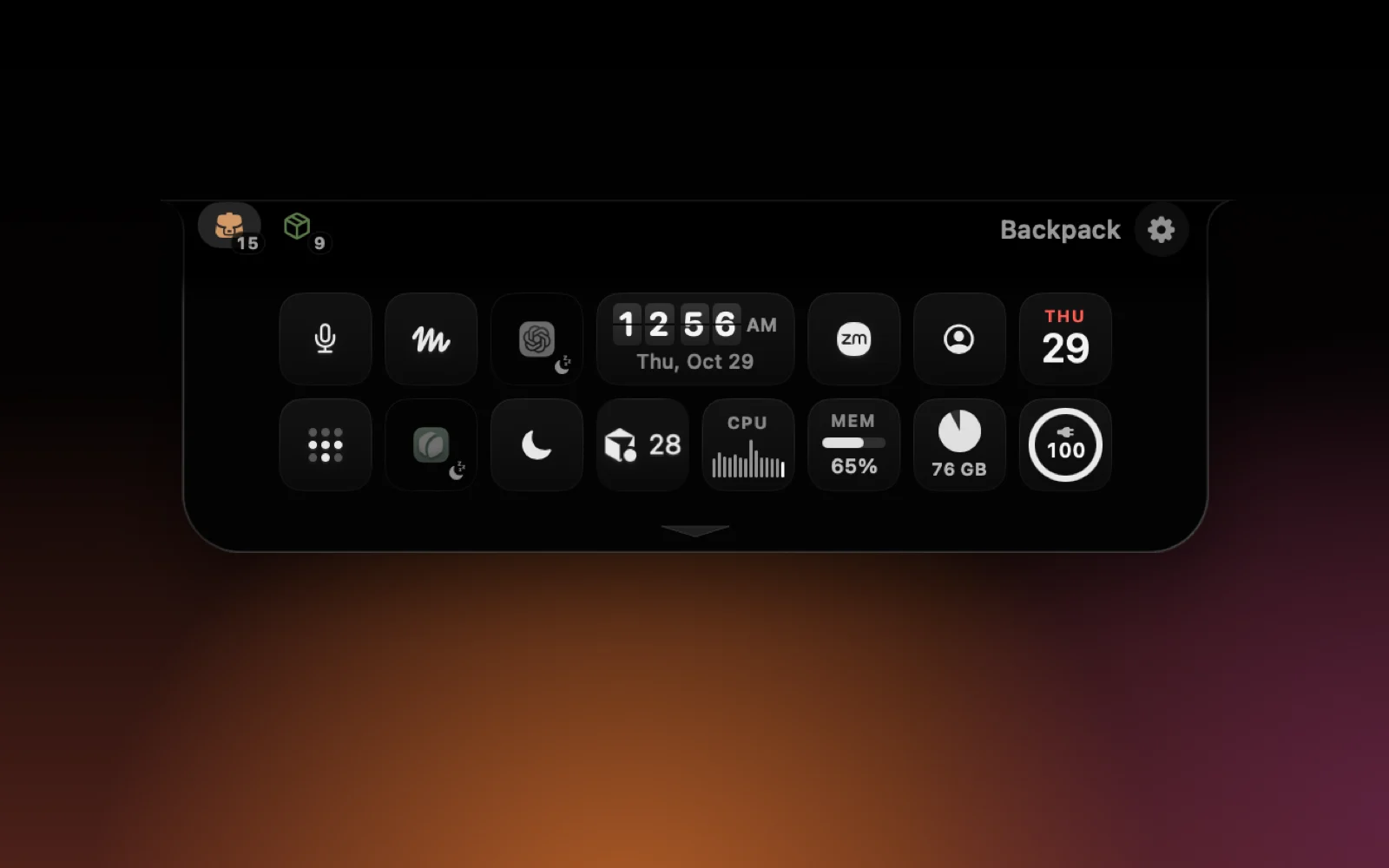
Saddle Island turns the notch of a MacBook into a black Dynamic Island. Hover it and it peeks out; click and it grows out of the notch on a soft, rubbery spring, then tucks back the same way. Click anywhere else and it closes.
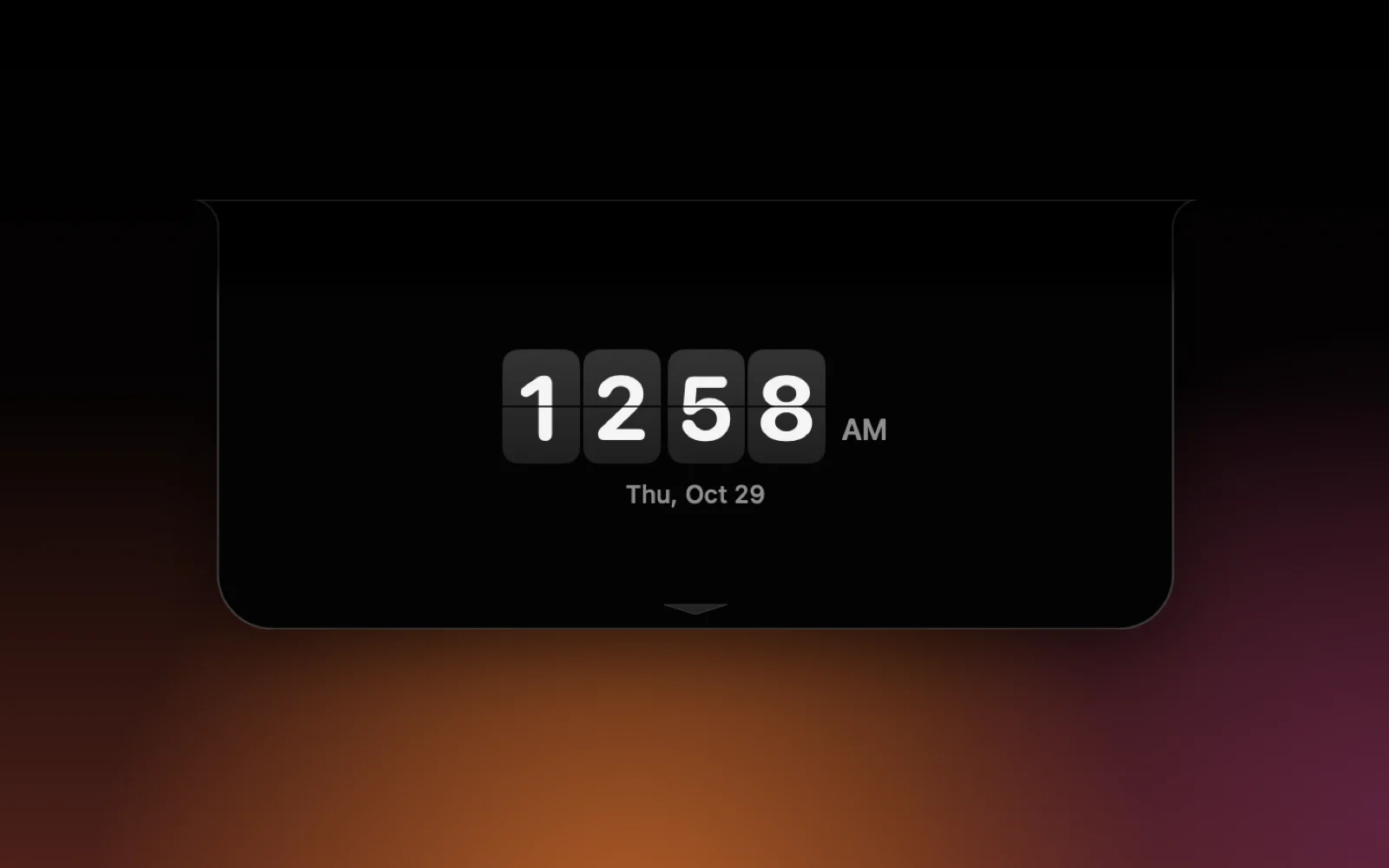
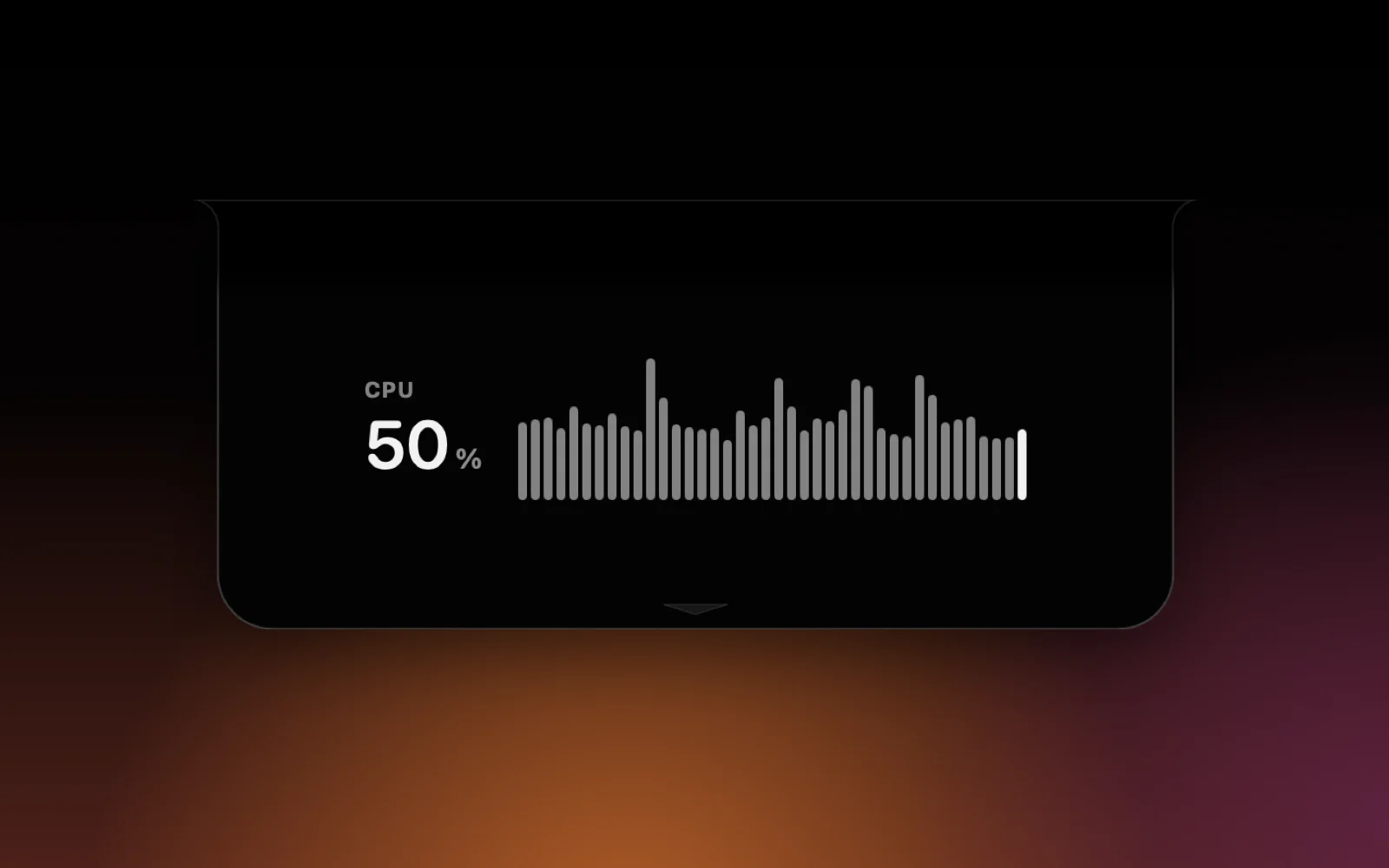
Inside are World of Warcraft–style bags for your menu bar icons: ⌘-drag one toward the notch and it spirals in, and clicking it in the bag opens its menu right there. Keep as many bags as you like, each a tab across the top. Live gadgets share the same slots: a clock (standard, airport flip or seven-segment LCD), the date, battery, CPU, memory, disk and network, each drawn your way as digits, a bar, a pie or a running history.
Click a gadget and the whole island becomes it: a big clock, a full-width CPU chart, the month. The clock can fill the entire display, and Esc or the close button takes you back. F4 opens a search in the island, volume and brightness show up in the notch, Settings open inside it, and other apps can put their own live screens there: while iSay listens, the island shows its waveform and words.
(Highlights)
- 01A Dynamic Island in the notch
- 02WoW-style bags for menu bar icons
- 03Gadgets in the style you pick, full island or full screen
- 04Search, volume, brightness and other apps' live screens
- 05Signed, notarized and self-updating
Next project · Apps
iSay.
Hold fn, talk, let go.